


A Guide for Security Integrators and Access Control Professionals
For security integrators, a successful access control project doesn’t end once the readers and software are installed. The ability to issue secure, durable credentials quickly and reliably is just as important as the access control system itself.
Whether you’re deploying a new system for a corporate campus, healthcare facility, educational institution, or government agency, credential issuance can become a bottleneck if the right hardware and workflow aren’t in place.
From printer downtime and worn-out badges to encoding challenges and increasing security requirements, organizations face several common obstacles that can impact productivity and security. Fortunately, these challenges can be solved with the right credential issuance strategy.
Challenge #1: Printer Downtime Delays Employee Onboarding
Nothing frustrates an organization more than hiring a new employee only to discover the badge printer is offline. Downtime delays employee onboarding, visitor management, and secure building access. For integrators, repeated service calls also increase costs and impact customer satisfaction.
Solution: Choose a commercial-grade ID card printer designed for daily production.
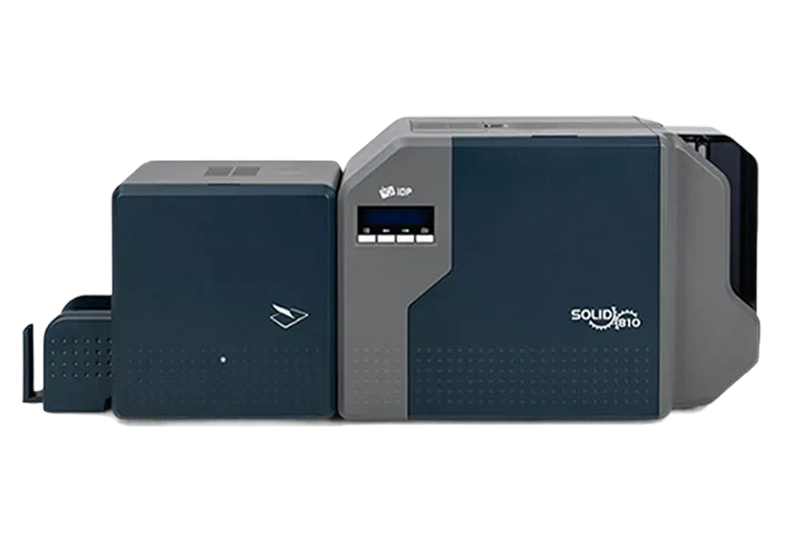
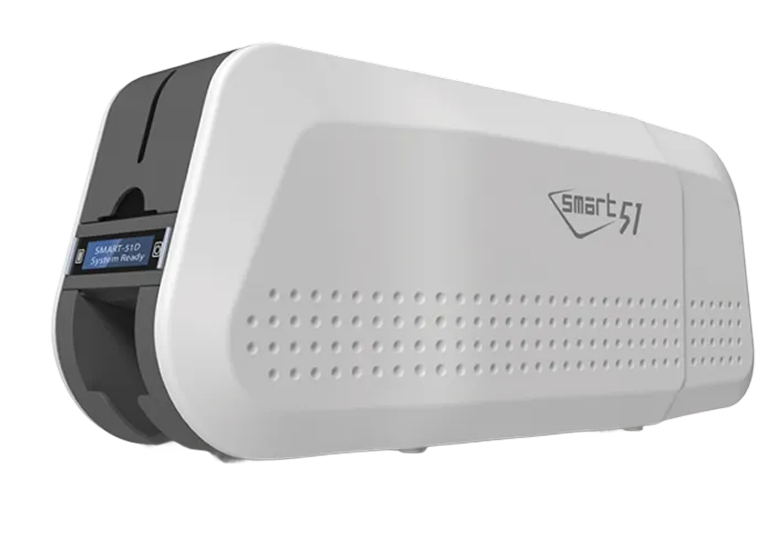
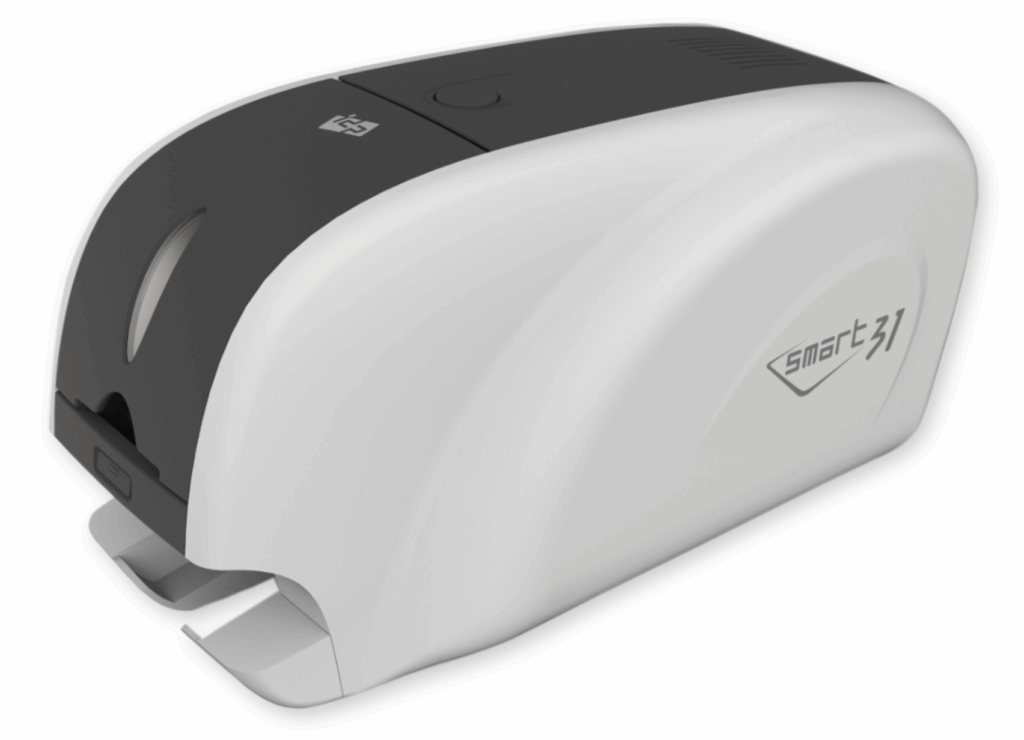
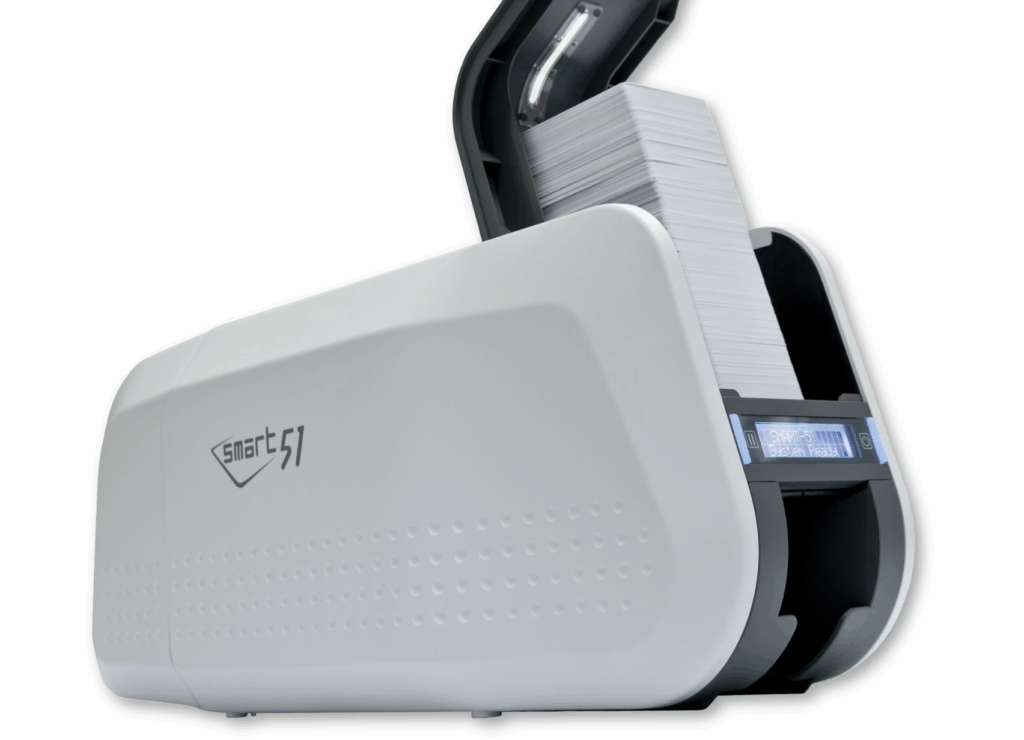
Look for features (included in our SMART-51 Series) such as:
- Rugged metal-frame construction
- Proven long-term reliability
- Fast warm-up times
- Easy preventative maintenance
- Comprehensive warranty coverage
A reliable printer helps ensure credentials are issued when they’re needed—without unnecessary interruptions.
Challenge #2: Credentials Wear Out Too Quickly
Access cards are handled dozens of times each day. Over time, printed graphics fade, surfaces scratch, and barcodes or photos become difficult to read. Worn credentials not only look unprofessional but can also create security concerns when cardholder information becomes difficult to verify. Frequent card replacement also increases operating costs.
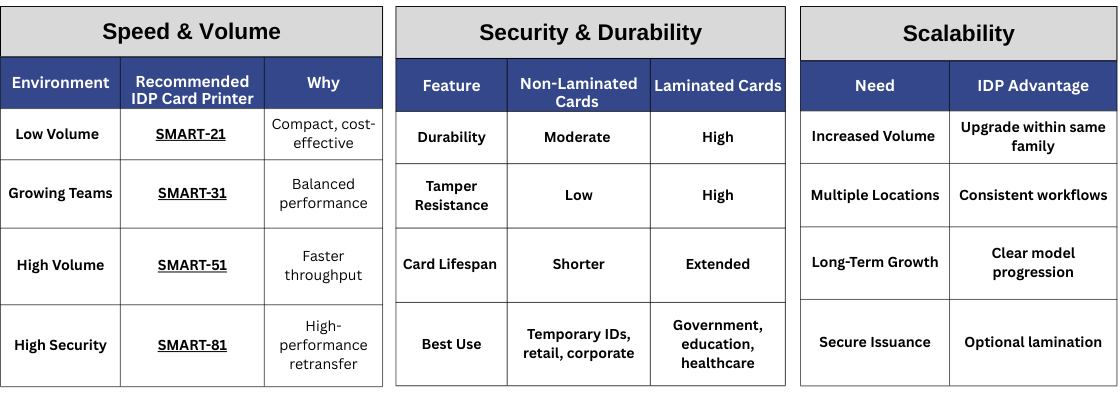
Solution: Integrated lamination dramatically extends credential life.
Laminated cards provide protection against:
- Abrasion
- UV fading
- Daily wear and tear
- Moisture
- Surface damage
For organizations issuing employee IDs, government credentials, healthcare badges, or student IDs, lamination reduces replacement costs while improving the overall appearance and durability of each card.
Challenge #3: Security Requirements Continue to Increase
Today’s credentials are expected to do much more than display a photo.
Many organizations now require cards that support:
- Contact smart cards
- Contactless credentials
- RFID technologies
- Mobile-ready environments
- Visual security features
- Multi-factor authentication
Security threats continue to evolve, making credential protection more important than ever.
Solution: Select a credential printer that supports multiple encoding technologies while offering advanced security features.
Capabilities may include:
- Contact and contactless smart card encoding
- Magnetic stripe encoding
- UV security printing
- Password protection
- Network authentication
- Secure print management
This provides flexibility as customer security requirements continue to evolve.
Challenge #4: Managing Multiple Locations
Many organizations operate across several offices, campuses, or facilities. Without standardized credential issuance, badge quality, branding, and security can vary significantly from one location to another. IT teams also face additional administrative challenges when supporting multiple printers from different manufacturers.
Solution: Standardize on a single credential issuance platform.
Using the same printer family across locations provides:
- Consistent card quality
- Simplified user training
- Easier maintenance
- Shared consumables
- Streamlined IT support
For integrators, standardized deployments also simplify future service and expansion opportunities.
Challenge #5: Integrating Credential Printing with Access Control Systems
Credential issuance should work seamlessly with access control software—not require complicated workarounds. Compatibility issues between printers, encoders, and credential management software can delay installations and increase support calls.
Solution: Select printers that are designed to integrate with today’s leading credential management and access control platforms.
Support for multiple encoding options and open architecture helps simplify deployments while giving customers greater flexibility as their security needs change.
Challenge #6: Rising Operational Costs
Organizations are continually looking for ways to reduce costs without sacrificing security. Unexpected repairs, frequent badge replacement, expensive maintenance, and excessive downtime all increase the total cost of ownership.
Solution: Evaluate the entire lifecycle of the credential issuance solution—not just the initial purchase price.
A high-quality printer often delivers greater long-term value through:
- Reduced maintenance
- Longer equipment lifespan
- Fewer service interruptions
- Lower replacement rates
- Higher productivity
Investing in reliability upfront often results in significant savings over the life of the system.
Challenge #7: Protecting Sensitive Cardholder Information
Credential issuance doesn’t end after a badge is printed.
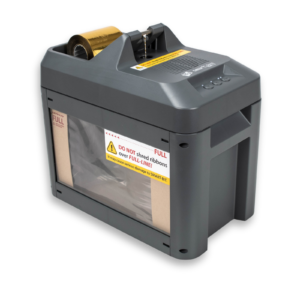
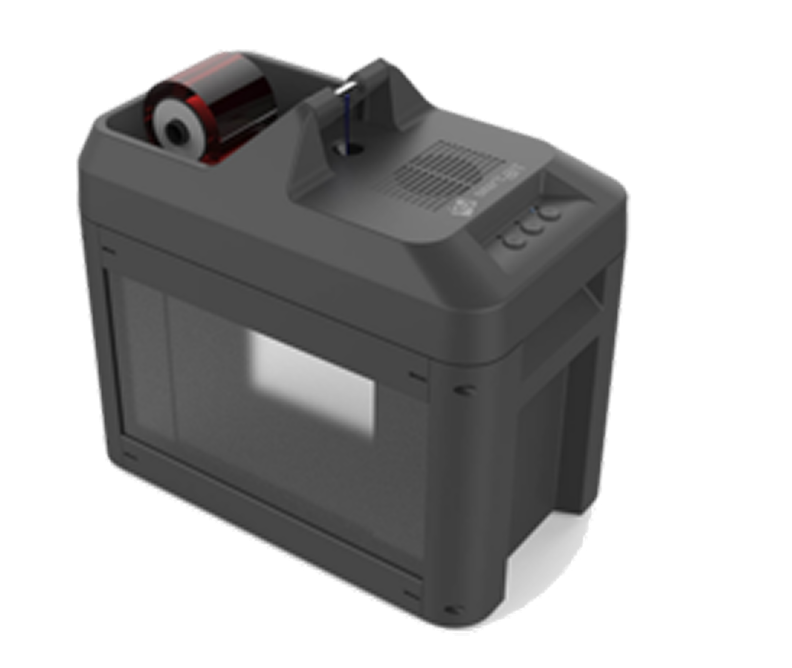
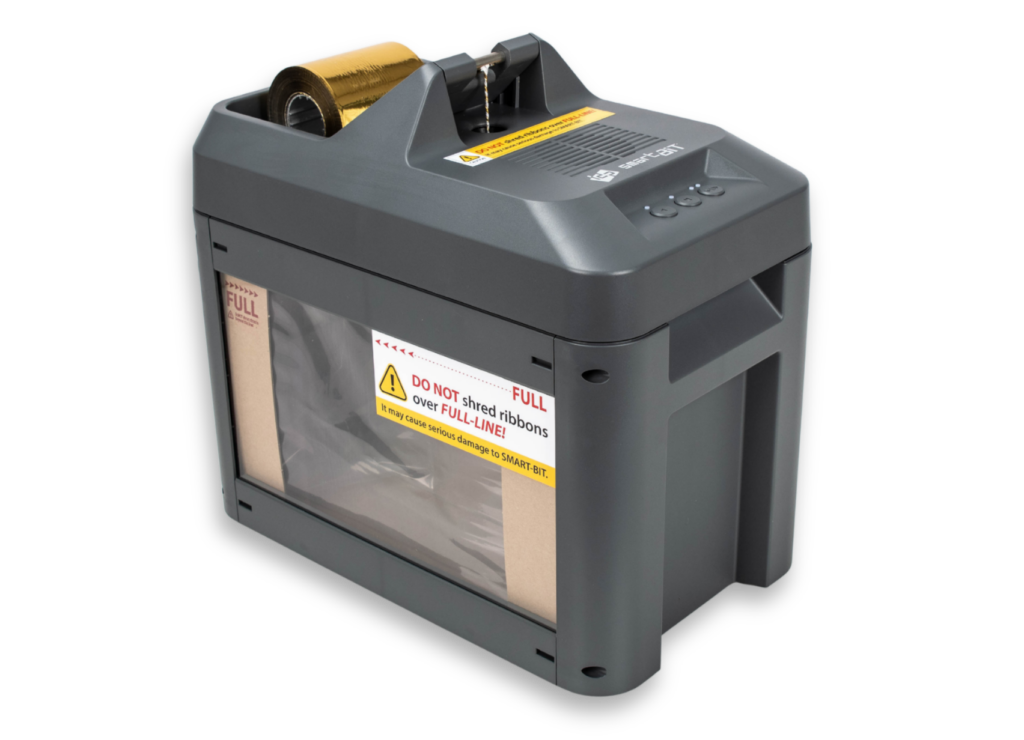
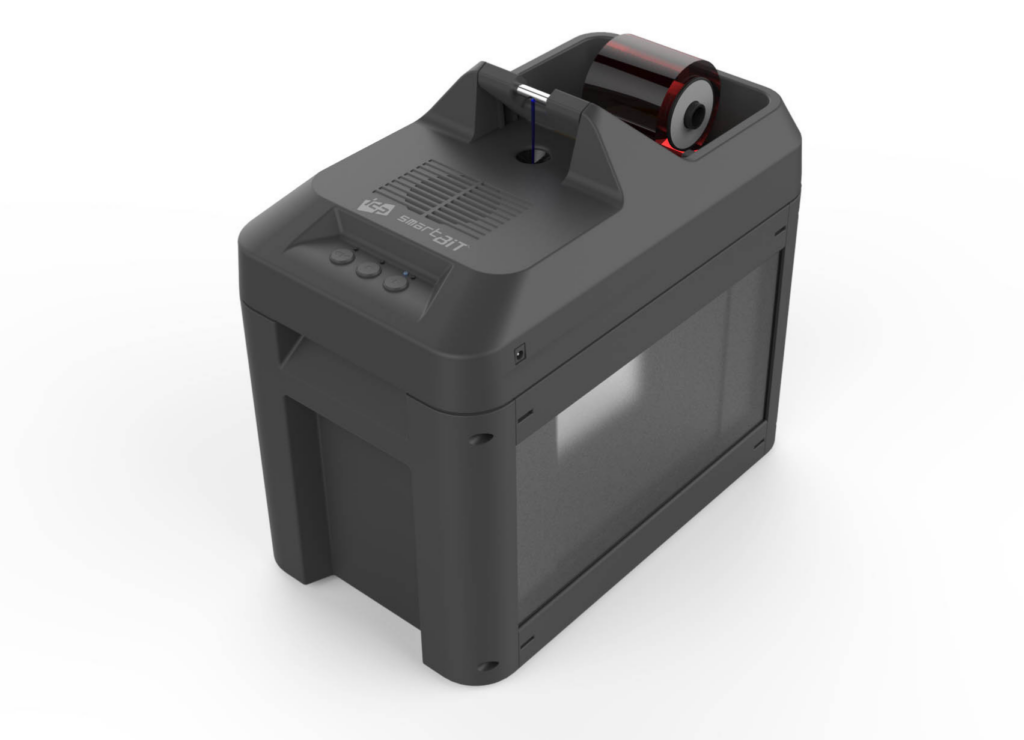
Used printer ribbons often contain full images of every credential produced. If these ribbons aren’t destroyed properly, sensitive personal information may remain accessible. For organizations handling employee, healthcare, government, or student credentials, this presents a significant security and compliance concern.
Solution: Implement a secure ribbon destruction process as part of your credential issuance workflow.
Ribbon shredders permanently destroy used printer ribbons, helping organizations protect sensitive information while supporting compliance with internal security policies and regulations such as HIPAA and FERPA.
Choosing the Right Credential Issuance Partner
For access control integrators, choosing the right printer is about more than print quality.
It’s about selecting a solution that helps customers:
- Improve operational efficiency
- Increase credential durability
- Strengthen physical security
- Simplify deployment
- Reduce long-term operating costs
- Scale as their organization grows
The right credential issuance platform becomes an extension of the entire access control system—not an afterthought.
Why Integrators Choose IDP Americas
At IDP Americas, we understand the unique challenges security integrators face every day.
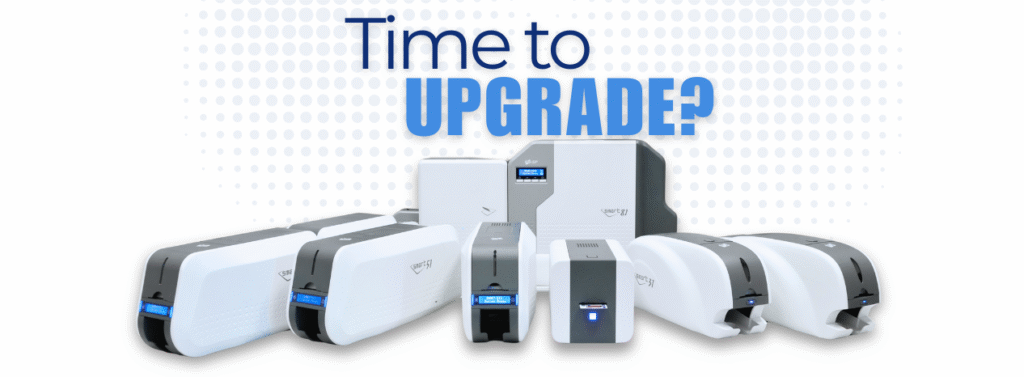
Our portfolio of direct-to-card and retransfer ID card printers is designed to help organizations issue secure, professional-quality credentials with confidence.
From advanced encoding options and integrated lamination to rugged construction, fast print speeds, and U.S.-based technical support, our solutions are built to meet the demands of today’s access control environments.
Whether you’re deploying a single-site installation or supporting enterprise-wide credential issuance, IDP Americas provides the reliability, flexibility, and support you need to deliver successful projects.
Ready to Improve Your Credential Issuance Process?
Explore IDP Americas’ full line of secure ID card printing solutions and discover how the right credential issuance platform can improve efficiency, strengthen security, and reduce long-term costs.